Table of contents
From spreadsheet to printable cards
Be it a digital spreadsheet you found online or a scan you’ve made: you can export the cards as PDFs ready for convenient printing or as images for other use cases.
With the PDF export you can also use double sided printing with each cards backside automatically aligned, no need for manual alignment and testing hell!
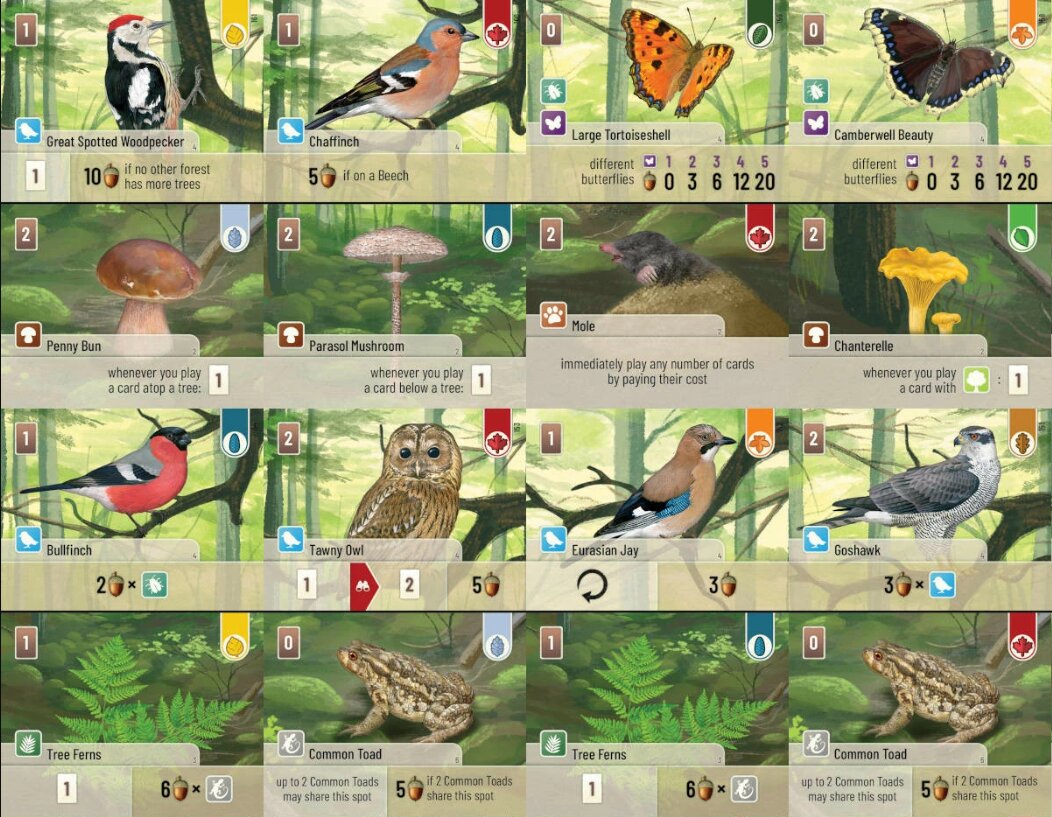
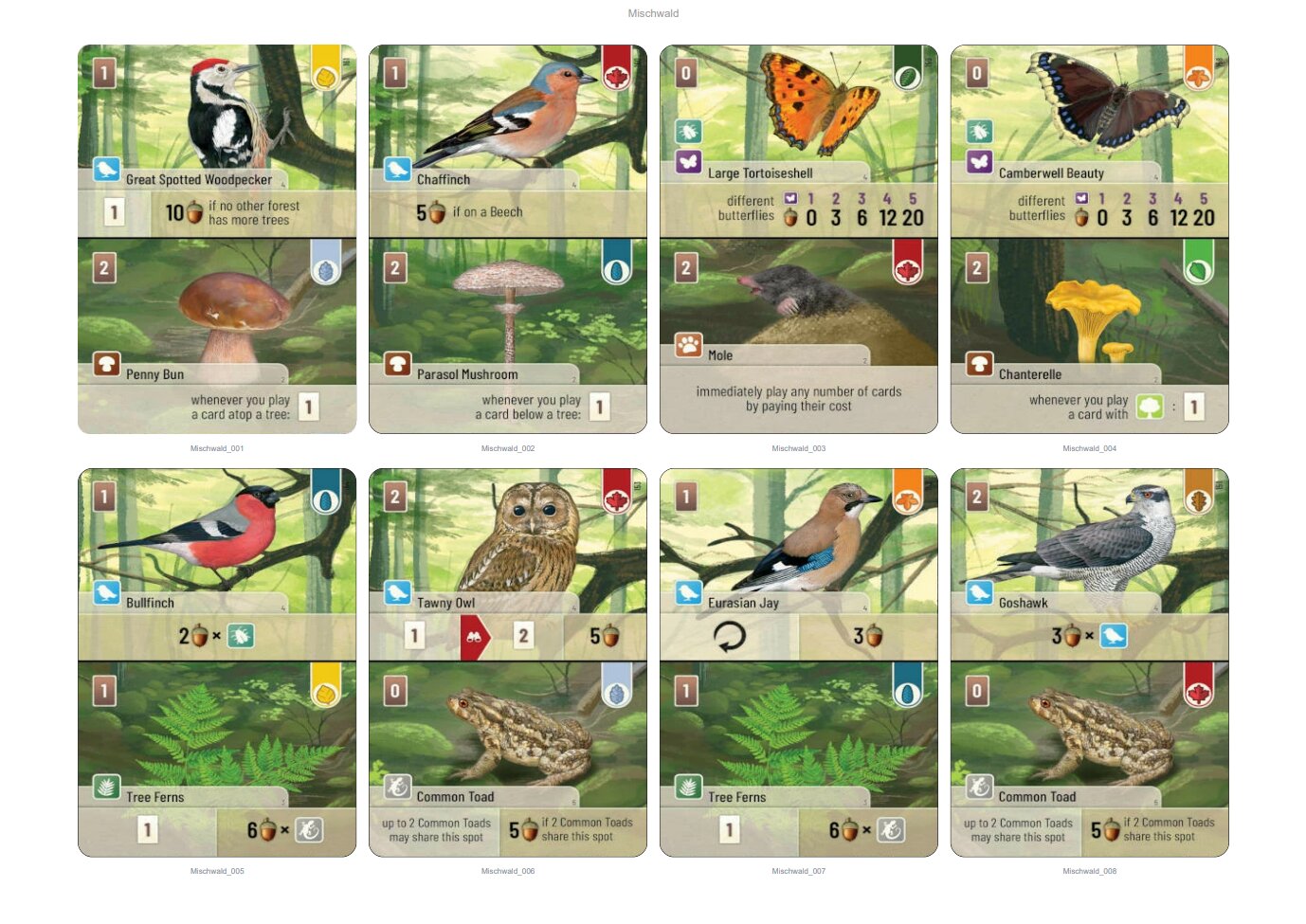
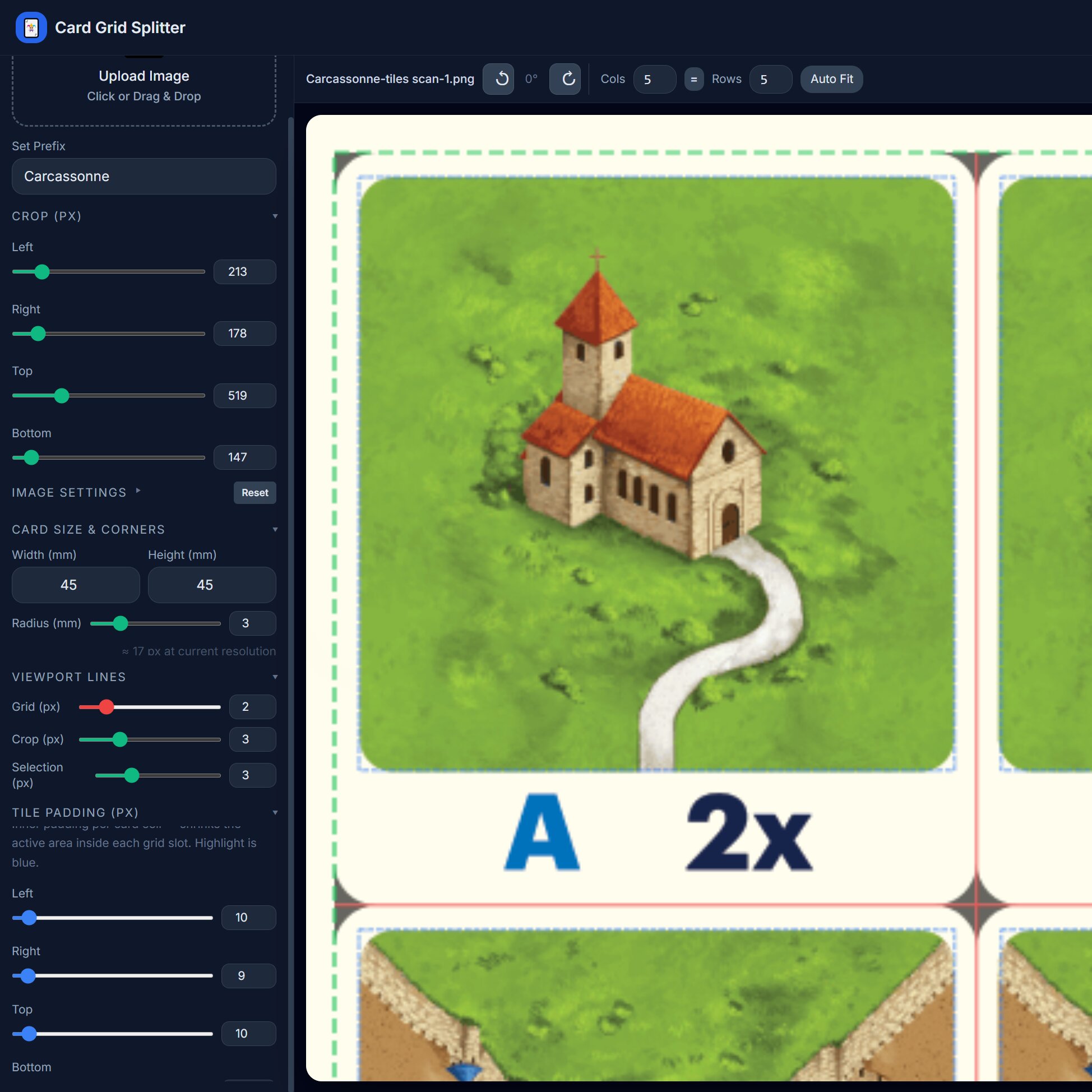
Preparing cardsheets: Cropping
Sometimes reference sheets have blocking/annoying padding - just crop it out. Maybe you only want a few cards; select the ones you’d like to print and continue without wasting precious ink on cards you don’t need.
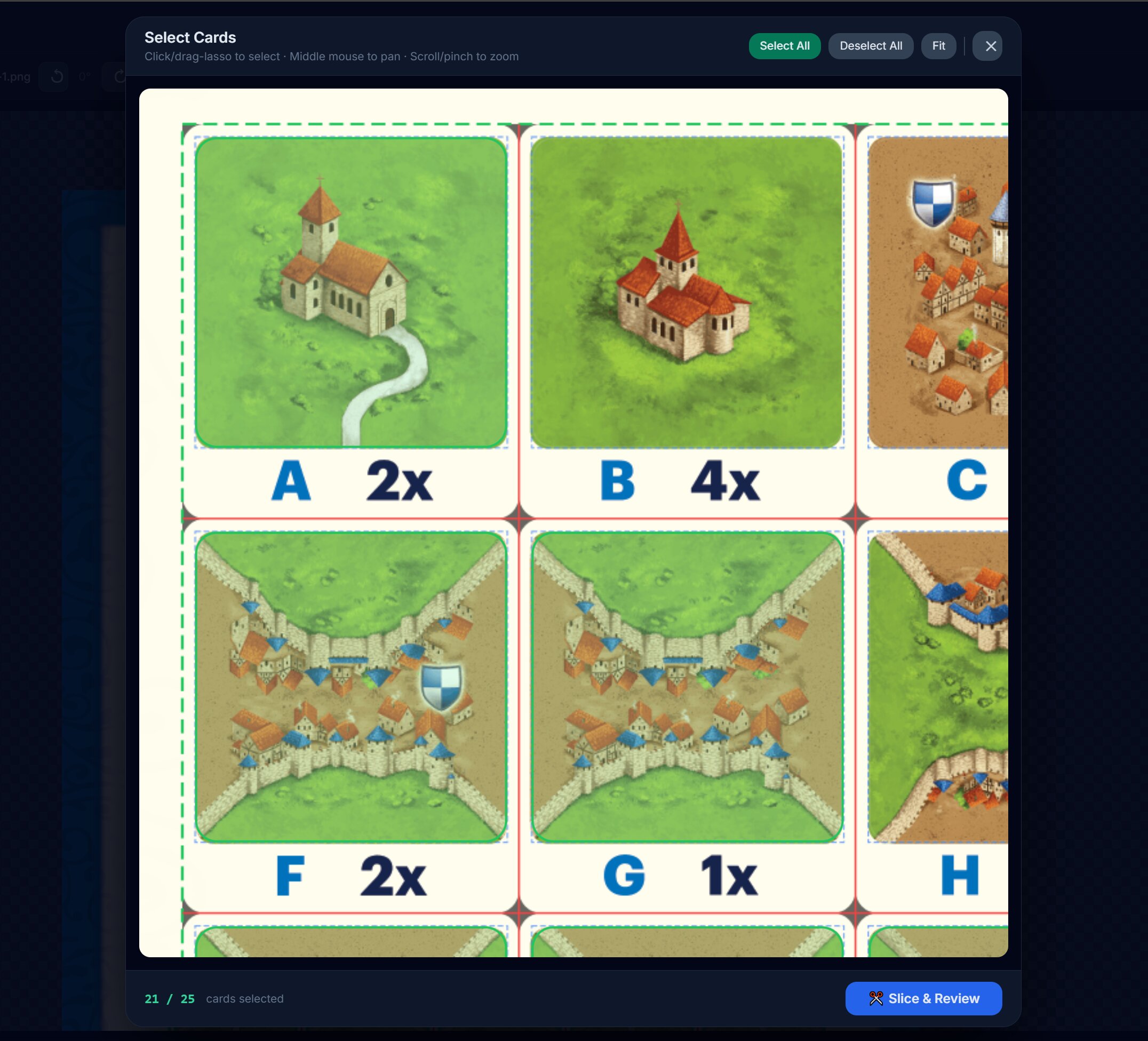
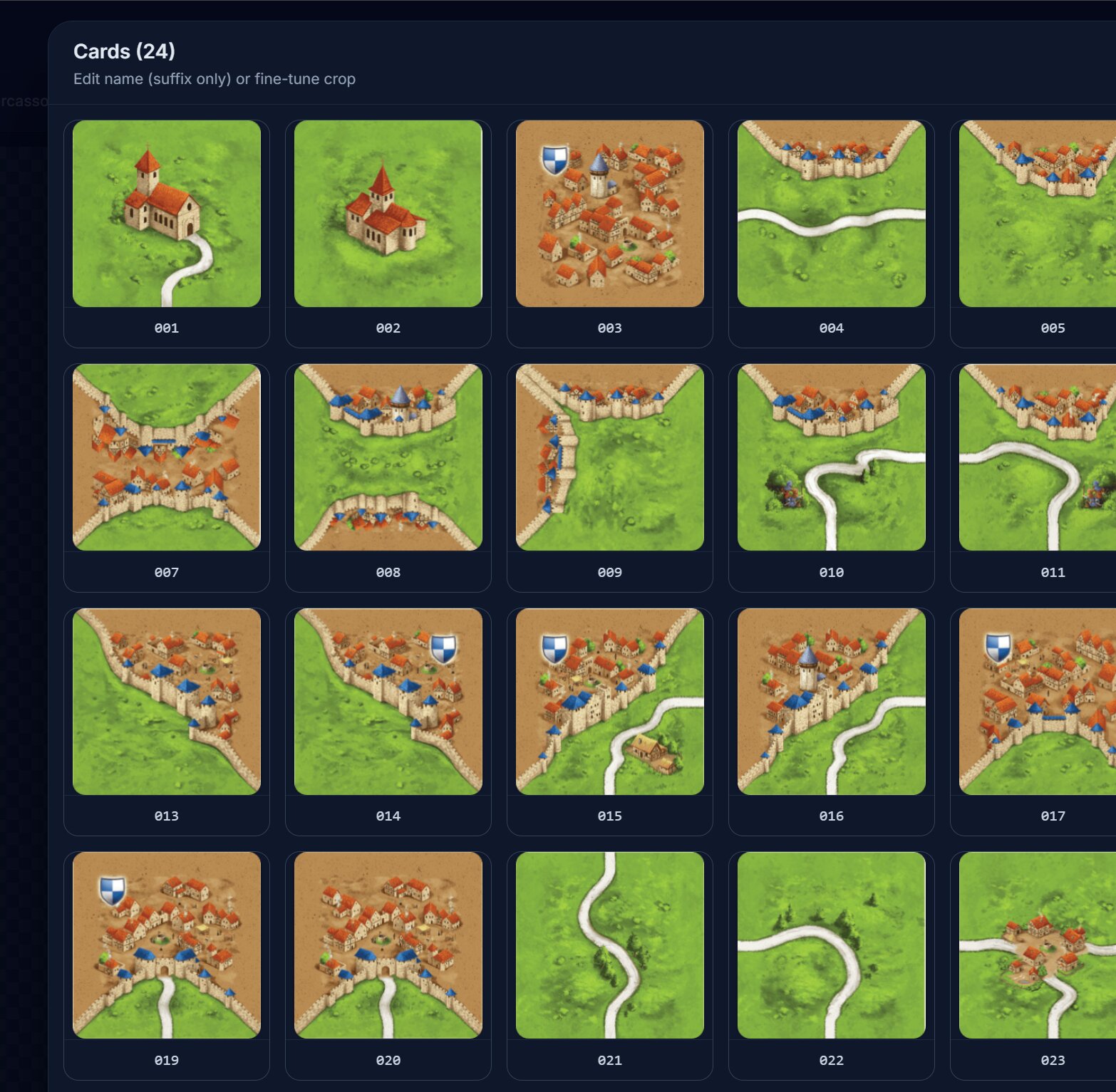
View and finalize your selected cards
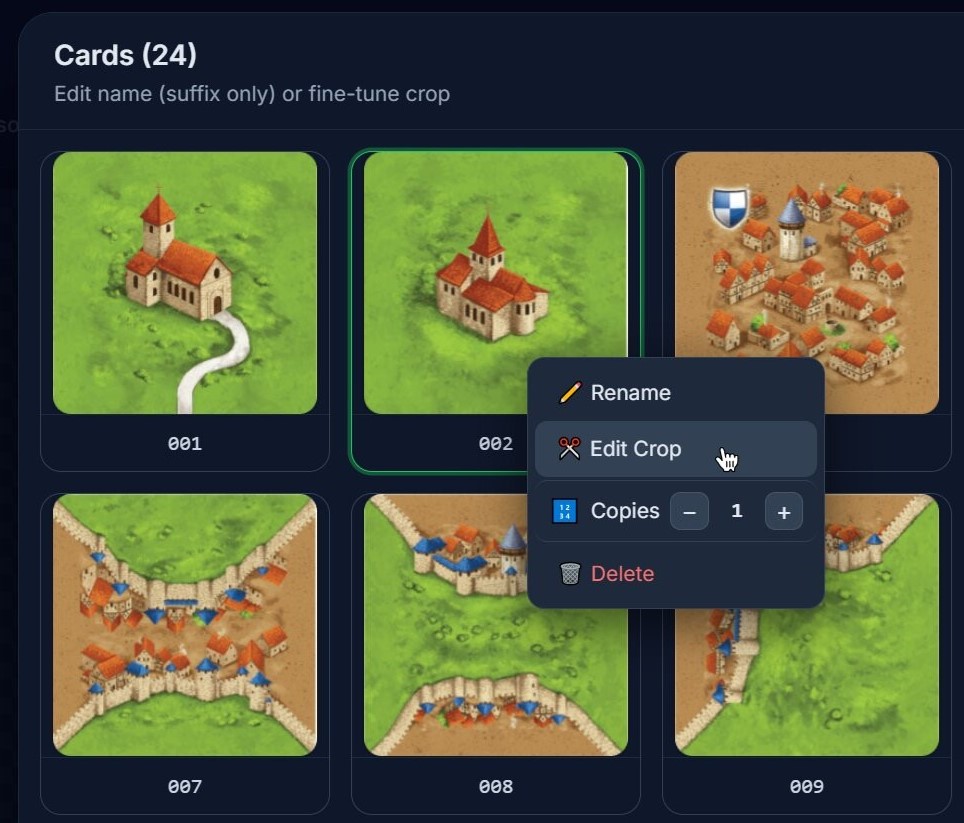
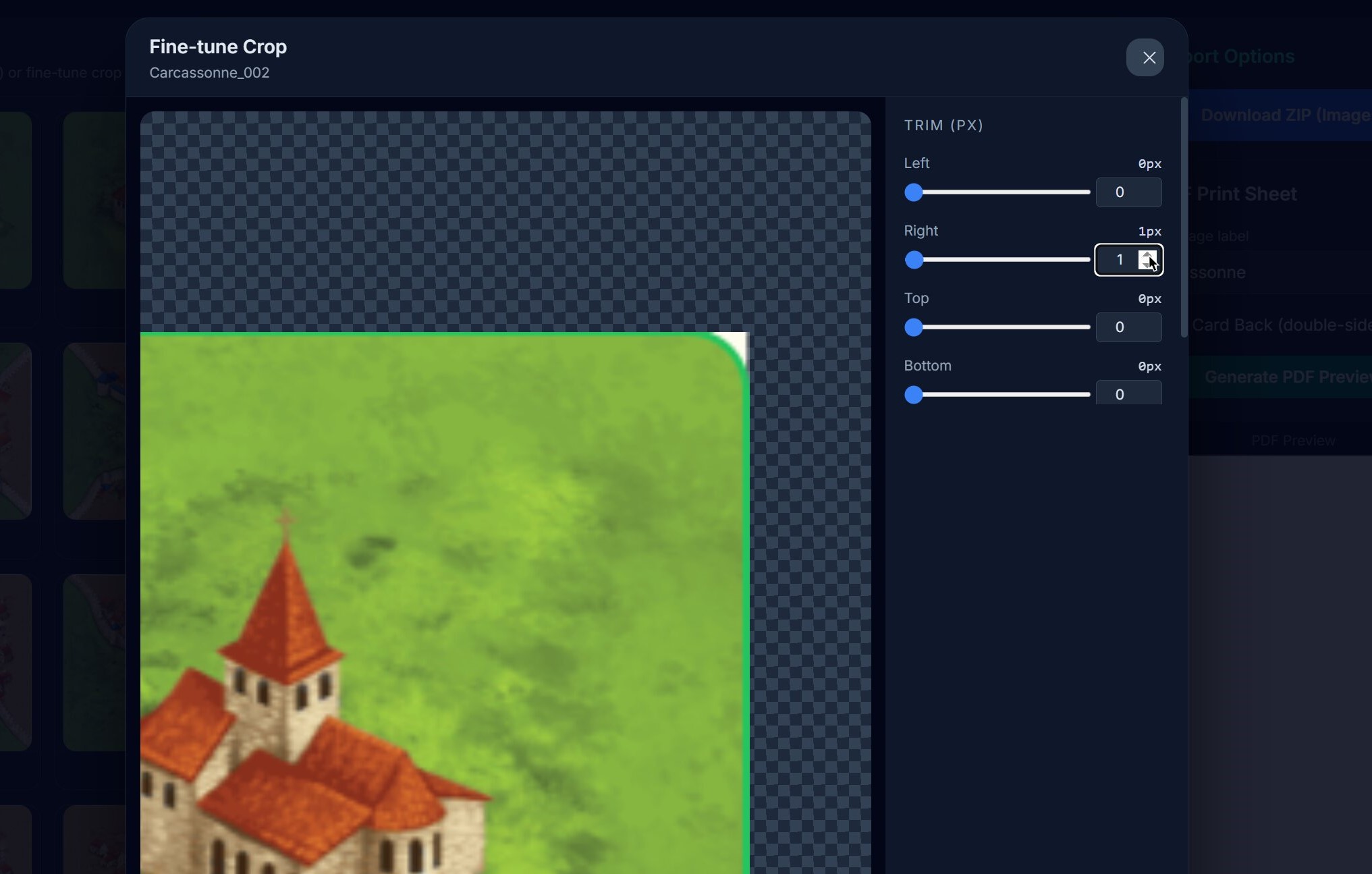
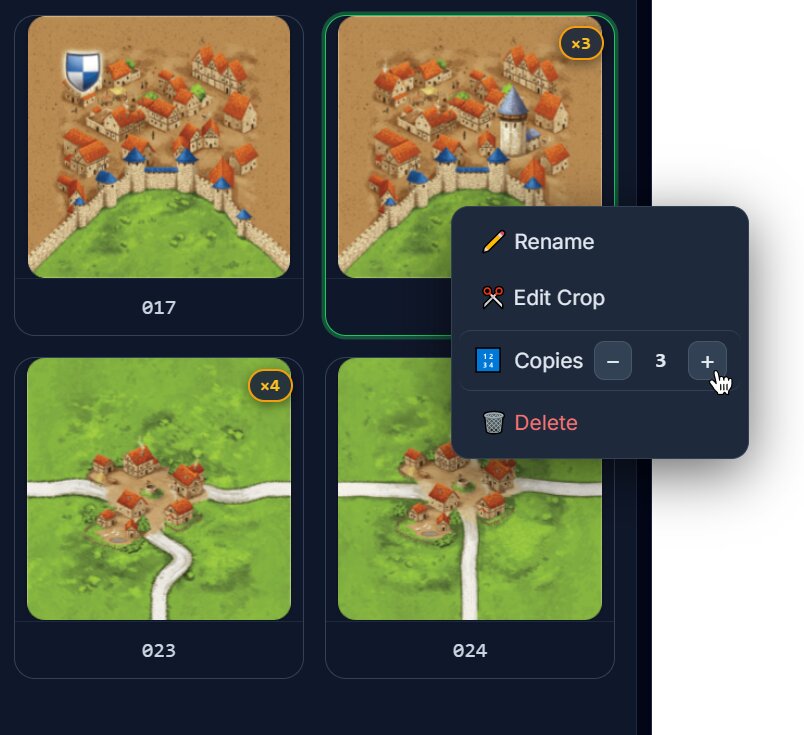
Because not everything is perfect, you can edit your cards individually; crop out small white edges, rename important cards or make copies of them, Carcassonne uses some tiles more often than others!
Review and export your cards
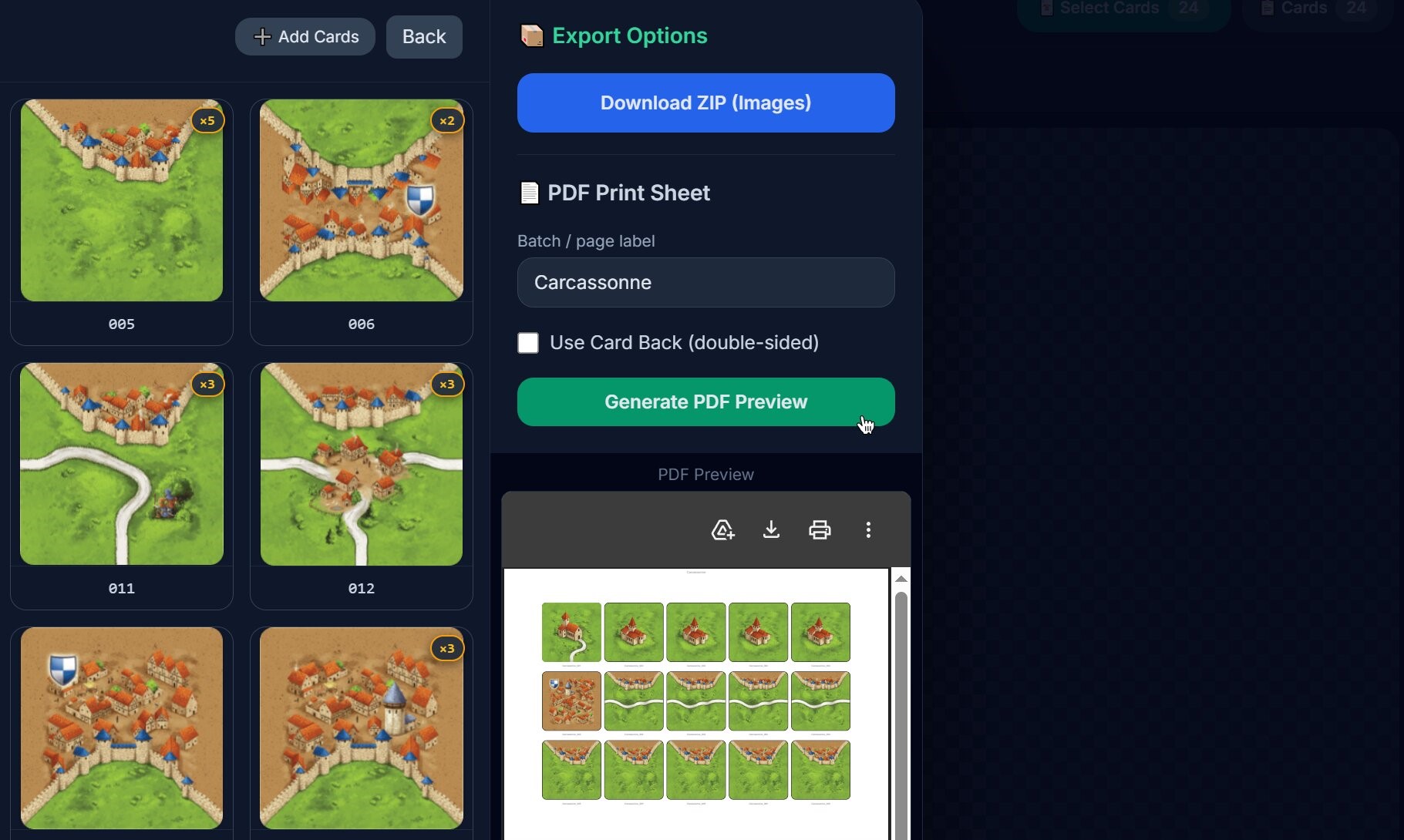
Now you’ve finished editing and duplicating your cards to completion. Before cluttering your disk with downloads you can preview the PDF or simply download your card images in a ZIP archive.
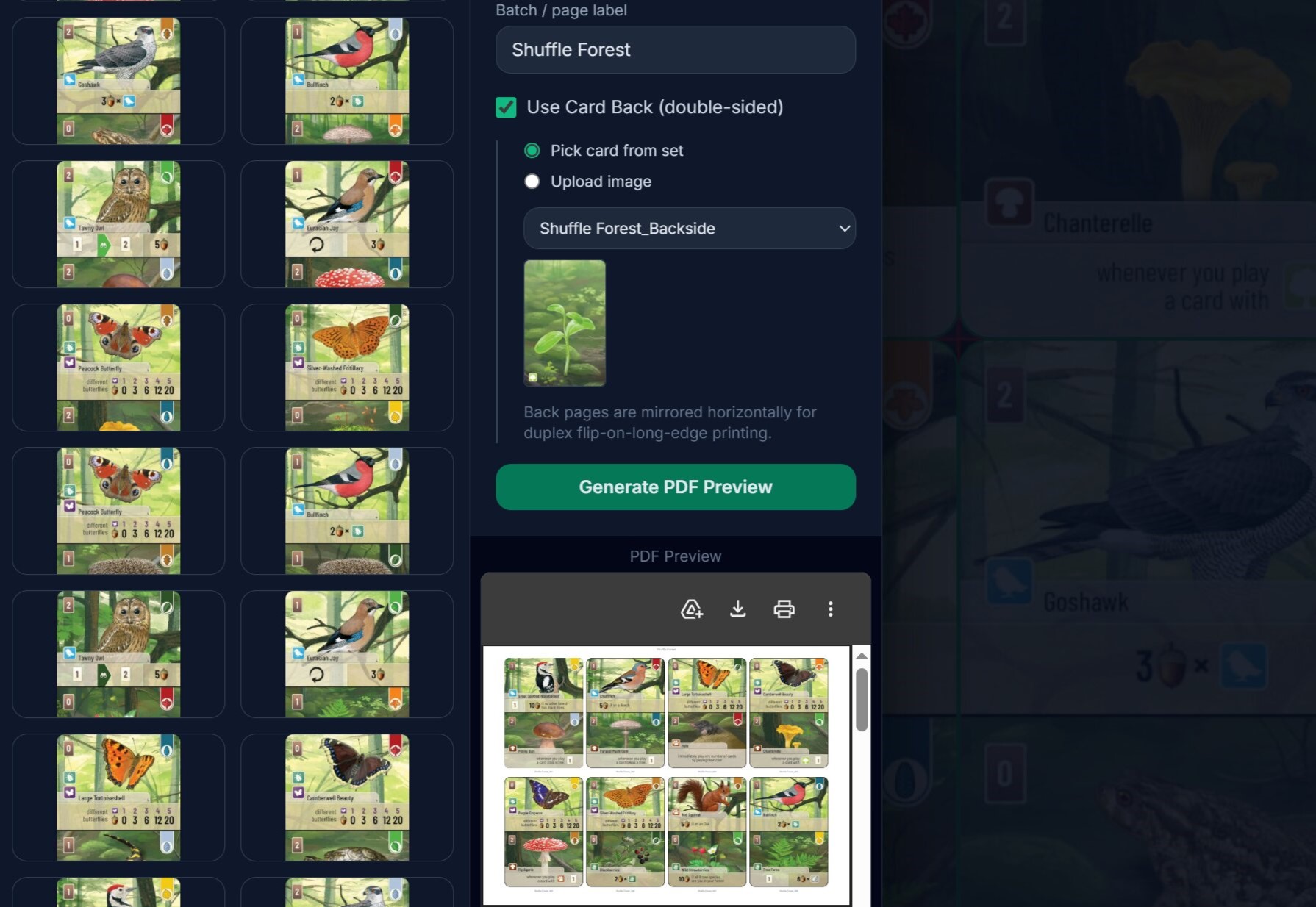
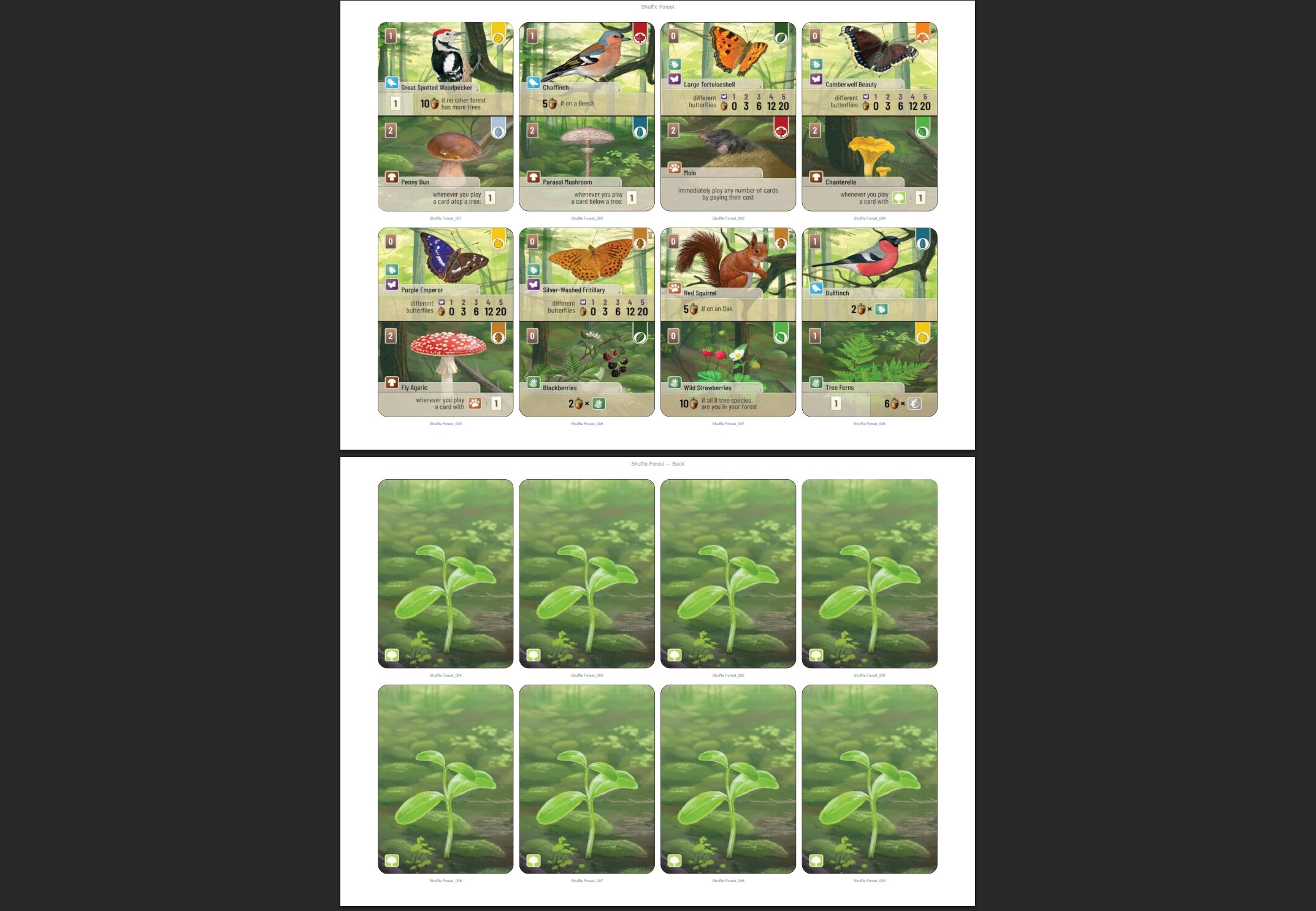
Here you can also select which card should be used as the back print of your other cards (see the Shuffle Forest example).
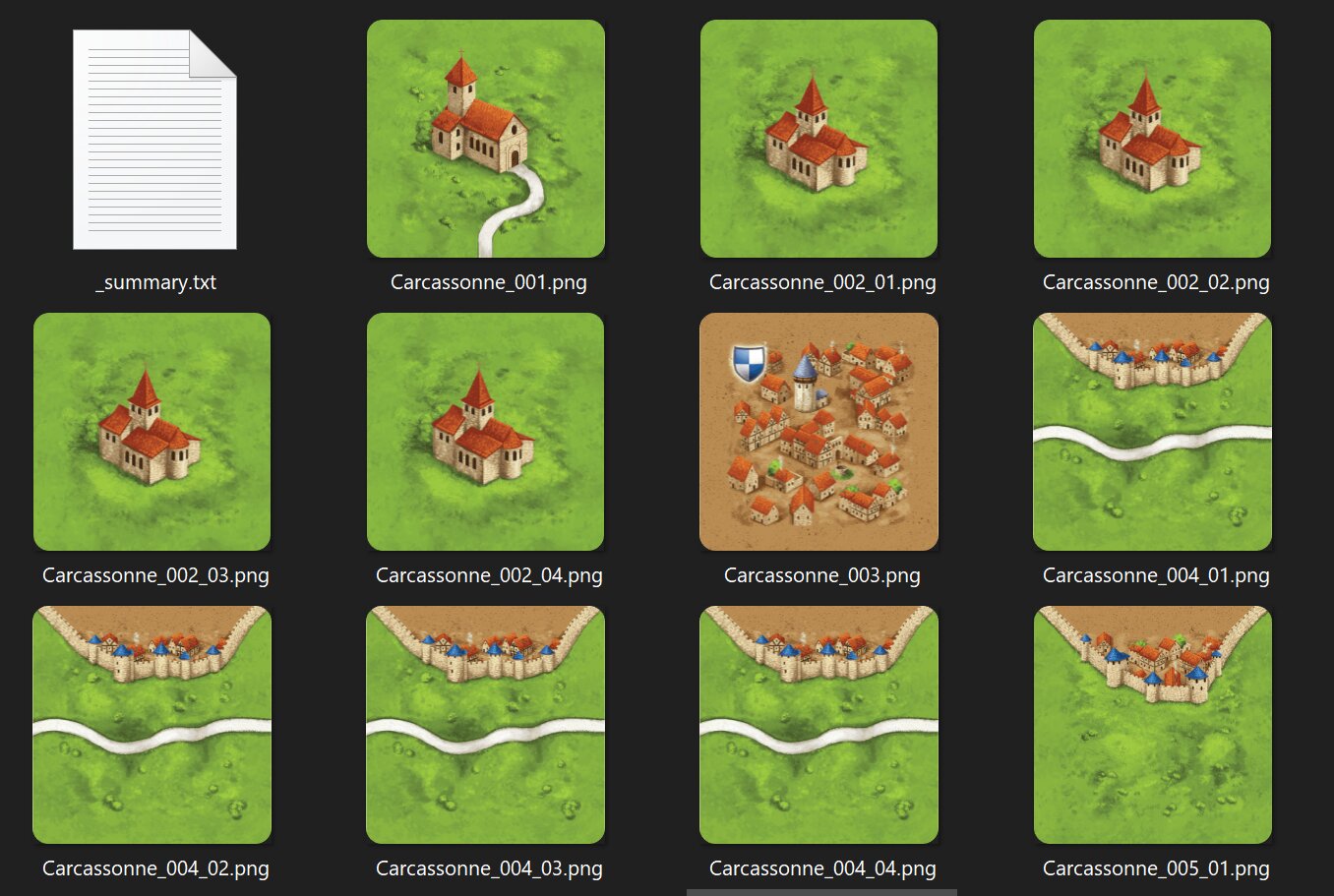
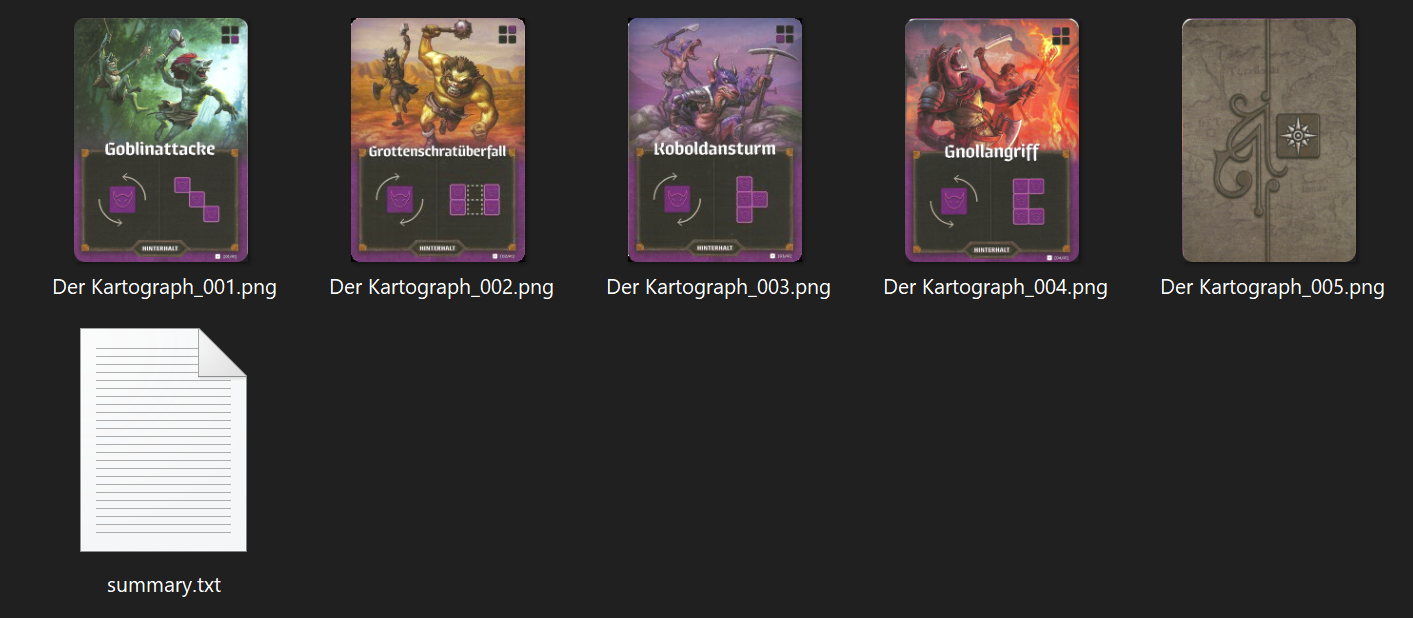
After using the ZIP Download option you can see a summary text file of the operations you performed on the set of cards:
Card Grid Splitter — Export Summary
========================================
Prefix:       Carcassonne
Total cards:  24

--- Source Image ---
File:         Carcassonne-tiles scan-1.png
Rotation:     0°
Brightness:   100%
Contrast:     100%
Saturation:   100%
Hue:          0°

--- Grid & Crop ---
Grid:         5 cols × 5 rows
Crop Left:    213 px
Crop Right:   178 px
Crop Top:     519 px
Crop Bottom:  147 px

--- Card Format ---
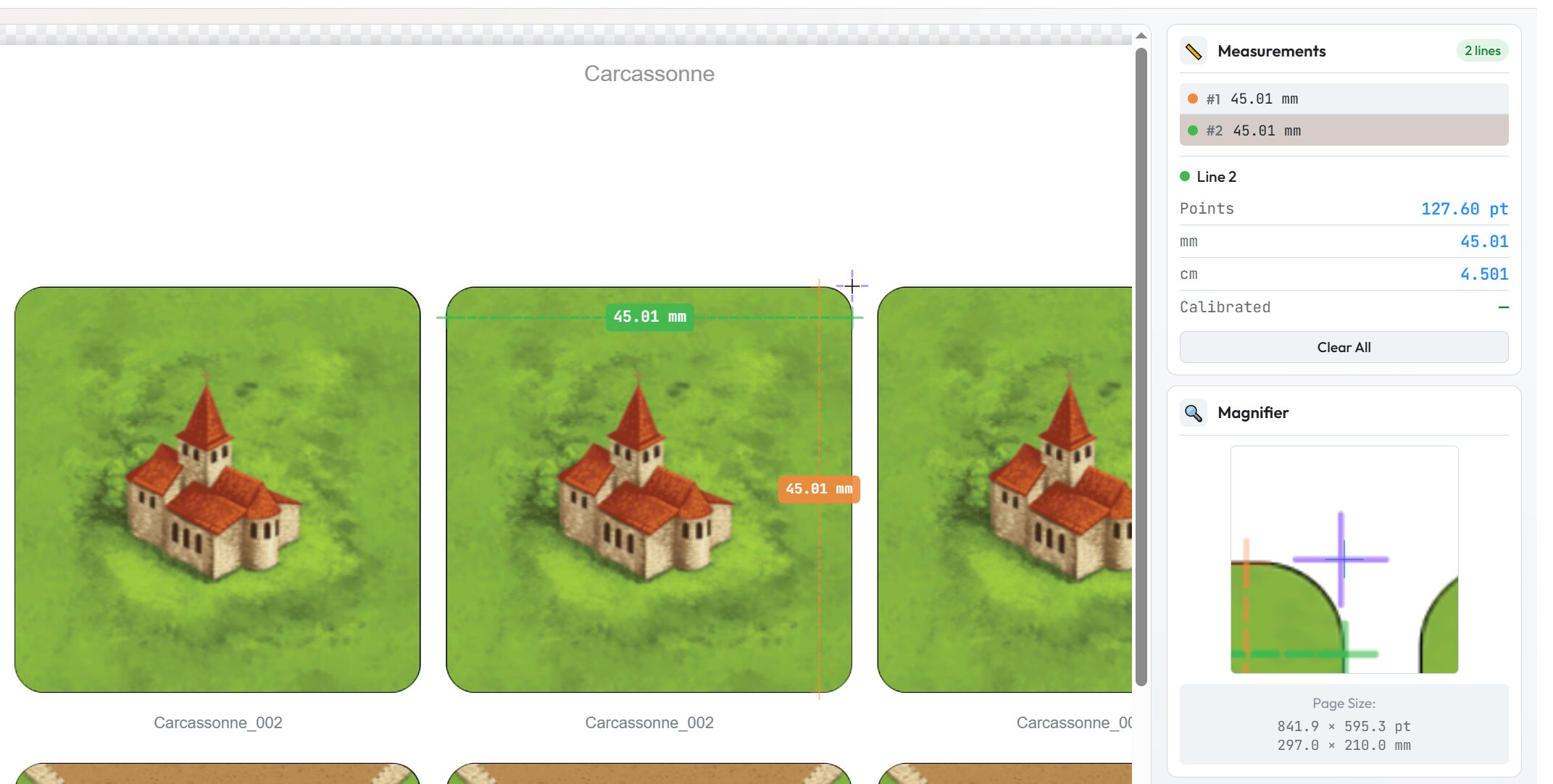
Size:         45 mm × 45 mm
Corner Rad.:  3 mm

--- Cards ---
001. Carcassonne_001.png
002. Carcassonne_002.png (×4 copies)
003. Carcassonne_003.png
004. Carcassonne_004.png (×4 copies)
005. Carcassonne_005.png (×5 copies)
006. Carcassonne_006.png (×2 copies)
007. Carcassonne_007.png
008. Carcassonne_008.png (×3 copies)
009. Carcassonne_009.png (×2 copies)
010. Carcassonne_010.png (×3 copies)
011. Carcassonne_011.png (×3 copies)
012. Carcassonne_012.png (×3 copies)
013. Carcassonne_013.png (×3 copies)
014. Carcassonne_014.png (×2 copies)
015. Carcassonne_015.png (×2 copies)
016. Carcassonne_016.png (×3 copies)
017. Carcassonne_017.png
018. Carcassonne_018.png (×3 copies)
019. Carcassonne_019.png (×2 copies)
020. Carcassonne_020.png
021. Carcassonne_021.png (×8 copies)
022. Carcassonne_022.png (×9 copies)
023. Carcassonne_023.png (×4 copies)
024. Carcassonne_024.png
Optionally, you can also append this information to the PDF.
With the PDF export, you don’t have to worry about the output size of the cards being incorrect after printing, you only have to declare the card size once at the beginning.
Example results
Below are some results from scanned cards using an old scanner at 600 DPI.
Fixing scanned colors
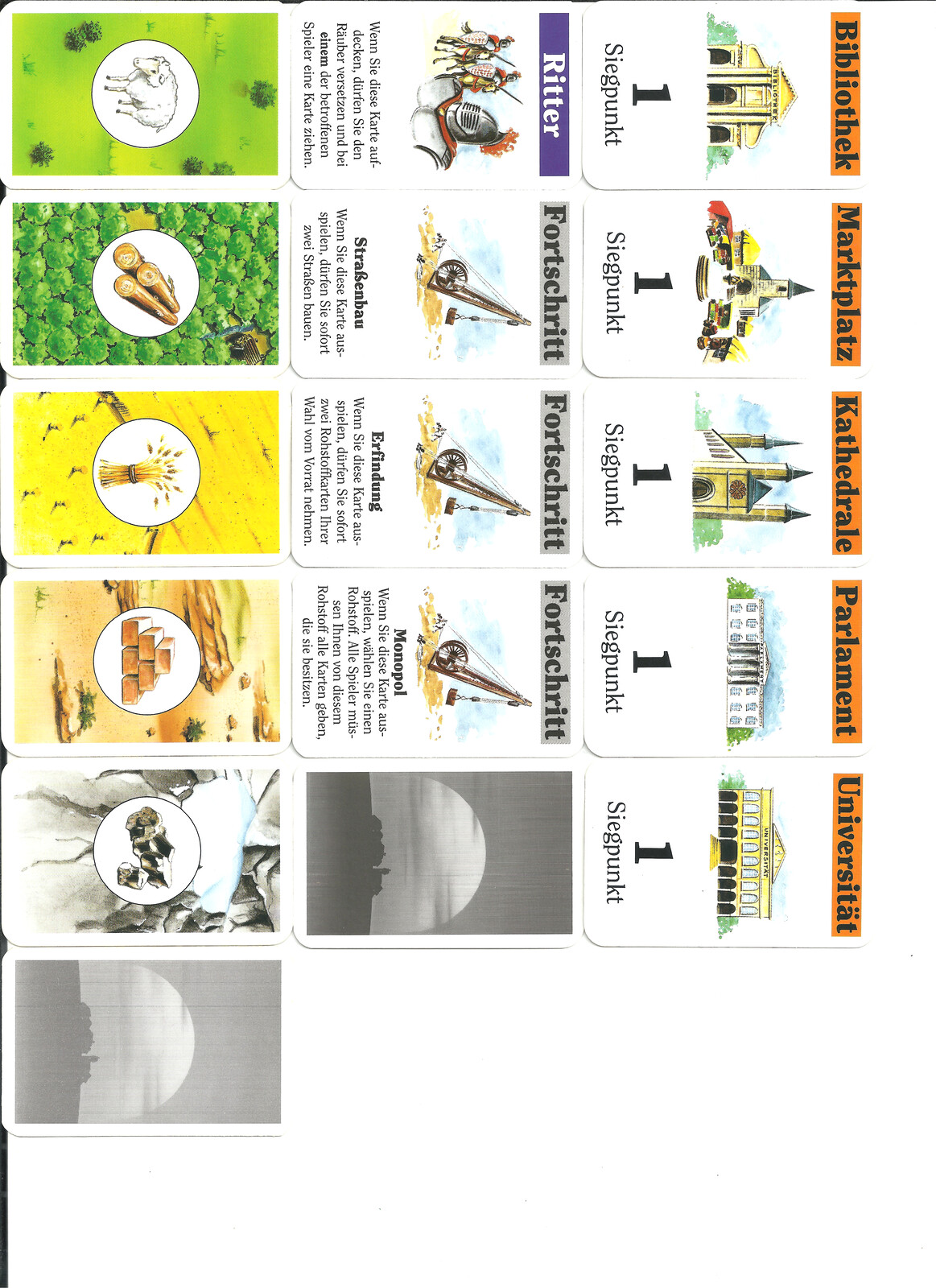
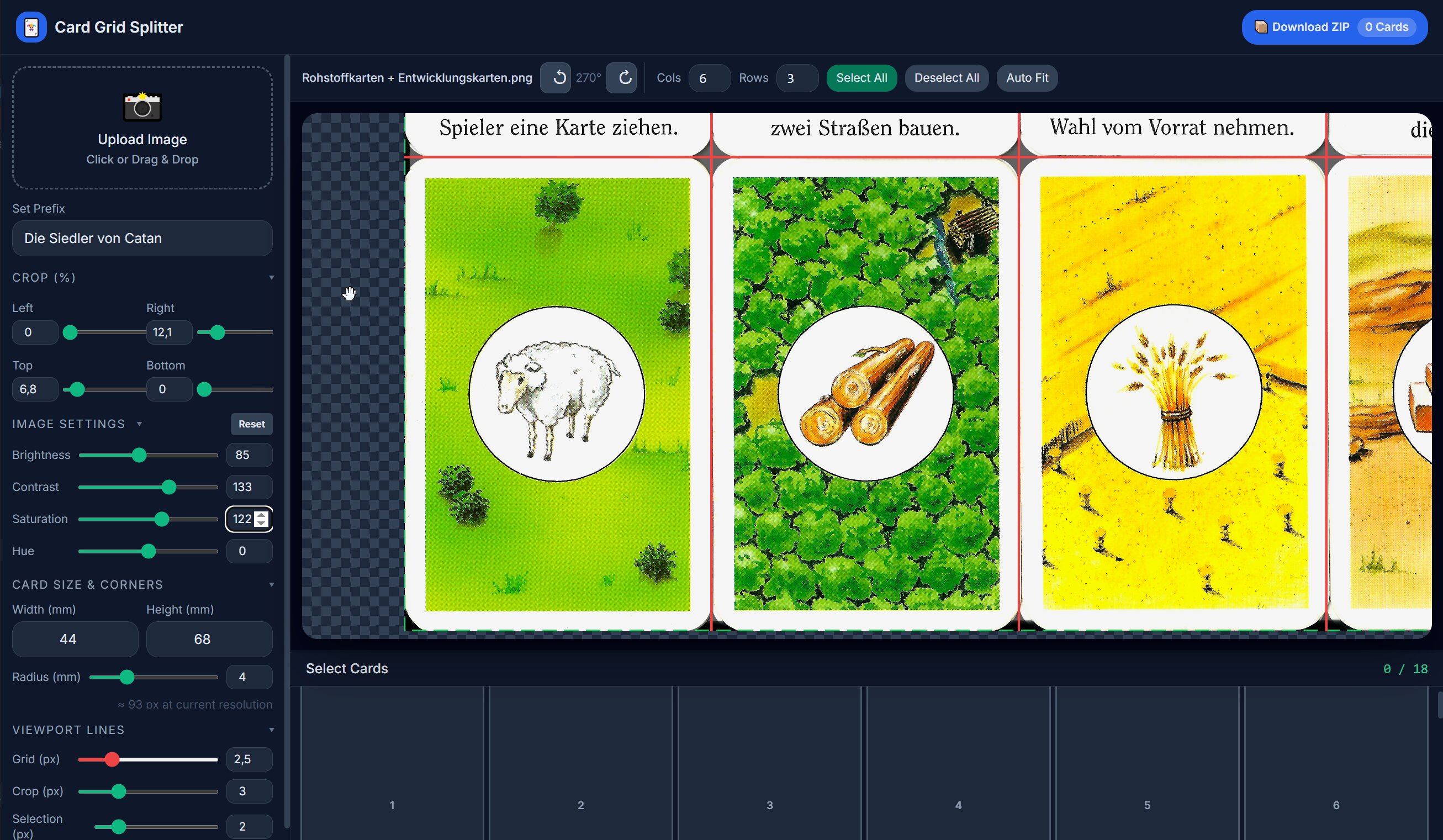
Scanning over-exposes your cards to pick up as much detail as possible. This causes the colors to be inaccurate. With the tool you can minimize the scanner’s effect on the colors by doing simple color grading.
In the example below I’ve used a raw scan of the German 1995 version of Catan’s resource and development cards, you can see them being severely over-exposed. The other image is from an older version of the tool where I’ve tried mitigating or reversing the scanner’s effect on the colors.
Closeup: Scan and AI denoising
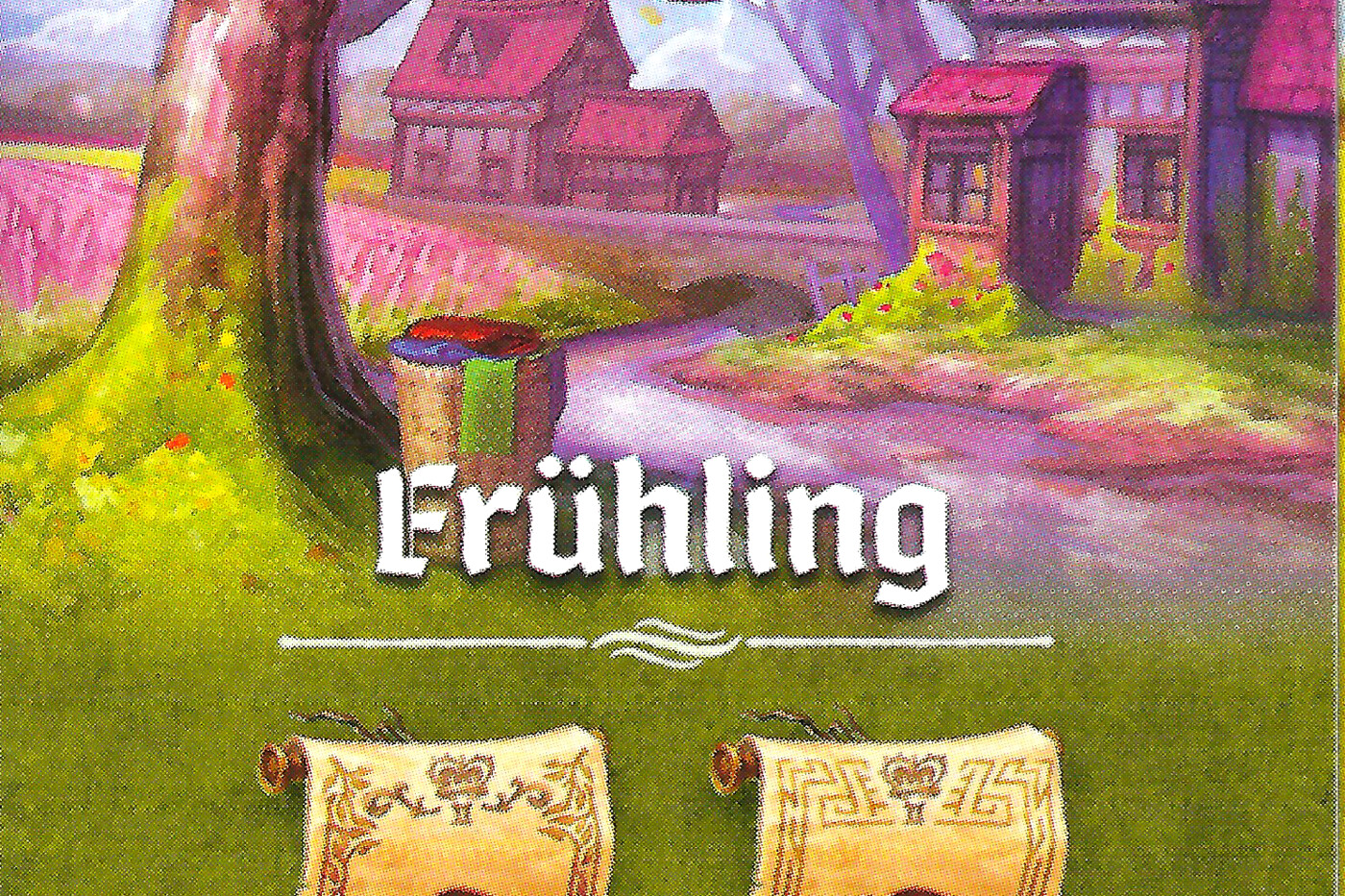
Scanning printed cards leads to the print pattern being picked up by the scanner, not just the color. One could use an AI image denoiser to try and smooth it for a cleaner reprint of the card.
The first image is before and the second is after using an AI denoiser (in this case I’ve used the Nero AI image denoiser with the anime preset). Note that these cards are not printed.
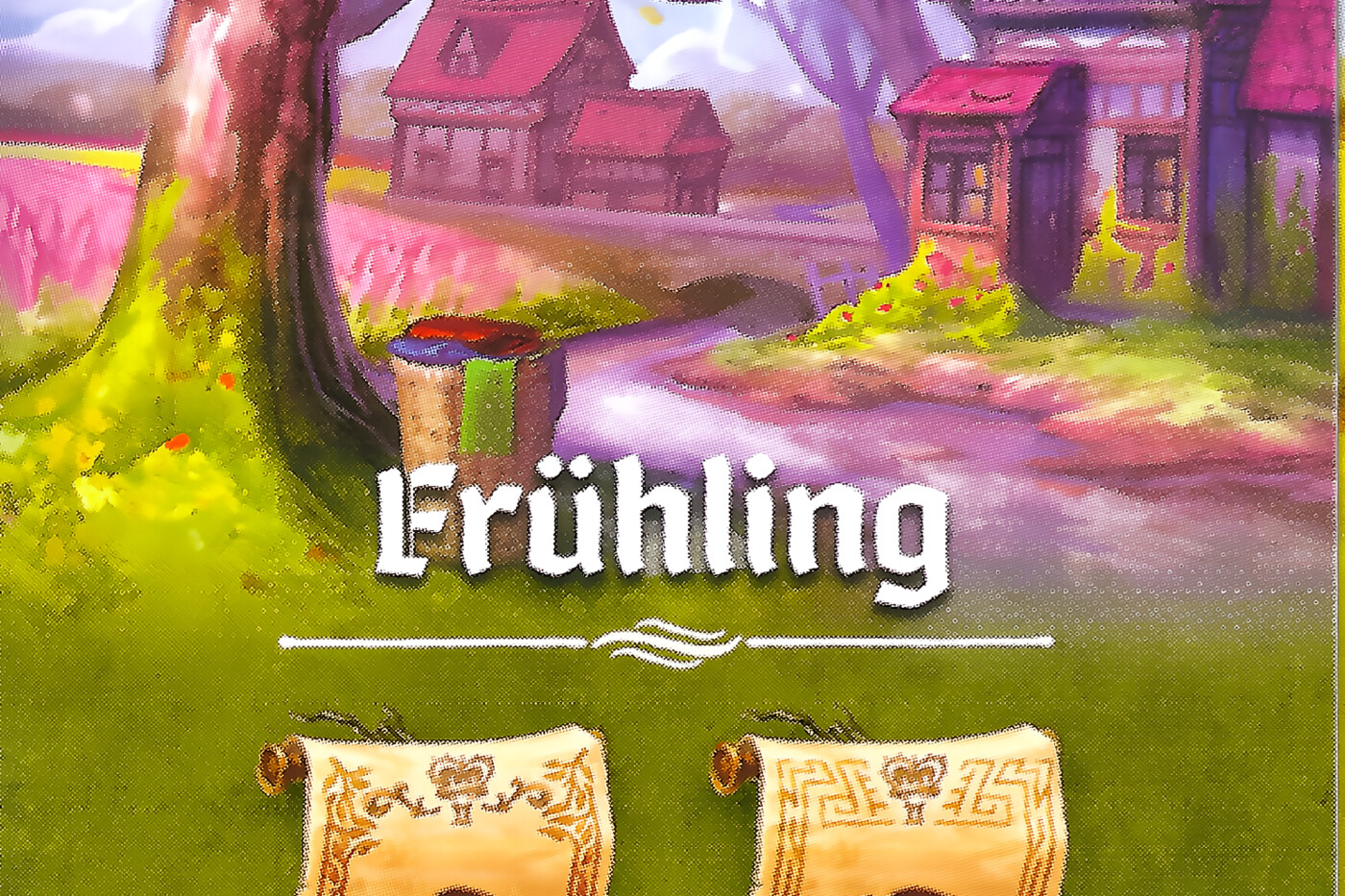
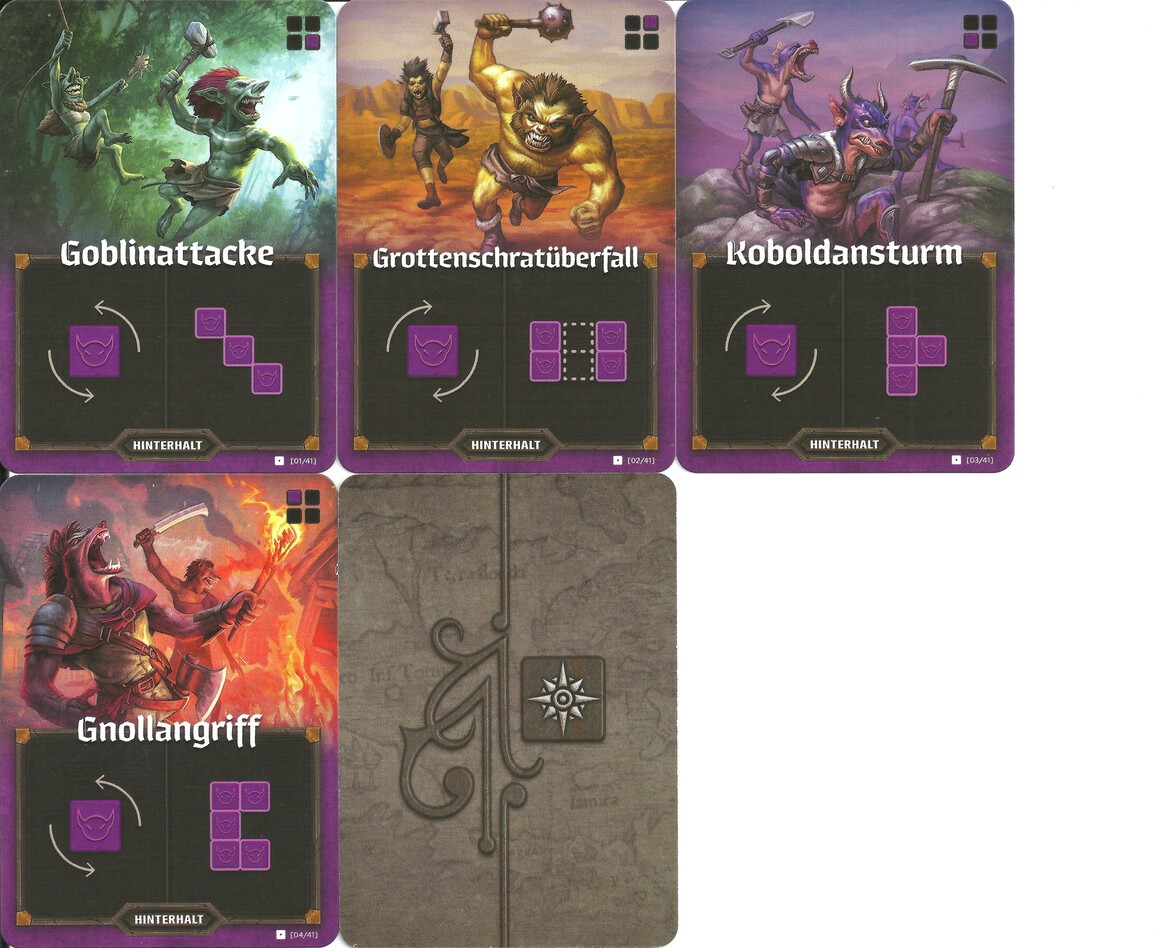
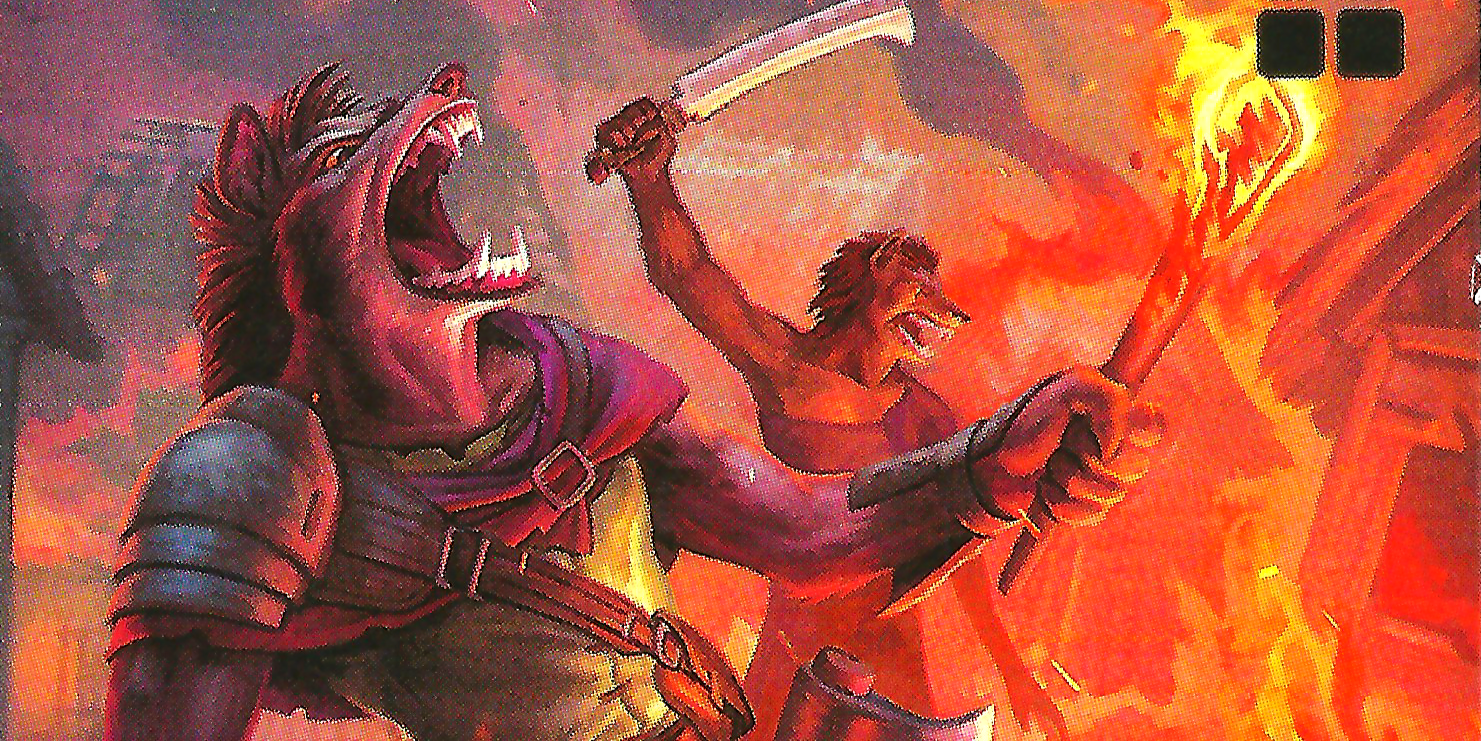
I must say, the print pattern does look cool, maybe not ideal for printing them again, though. Here’s another one from “Cartographers” (Der Kartograph):
Published: March 29, 2026 -> View on GitHub