Table of contents
Creating your own HITSTER Set
Having your own unique HITSTER Game sounds neat, doesn’t it? This page covers all the how’s and why’s of the tool.
The Workflow
You can add your Songs, see how well your songs are distributed, design your cards, tweak some PDF formatting and export them to print and play your own songs!
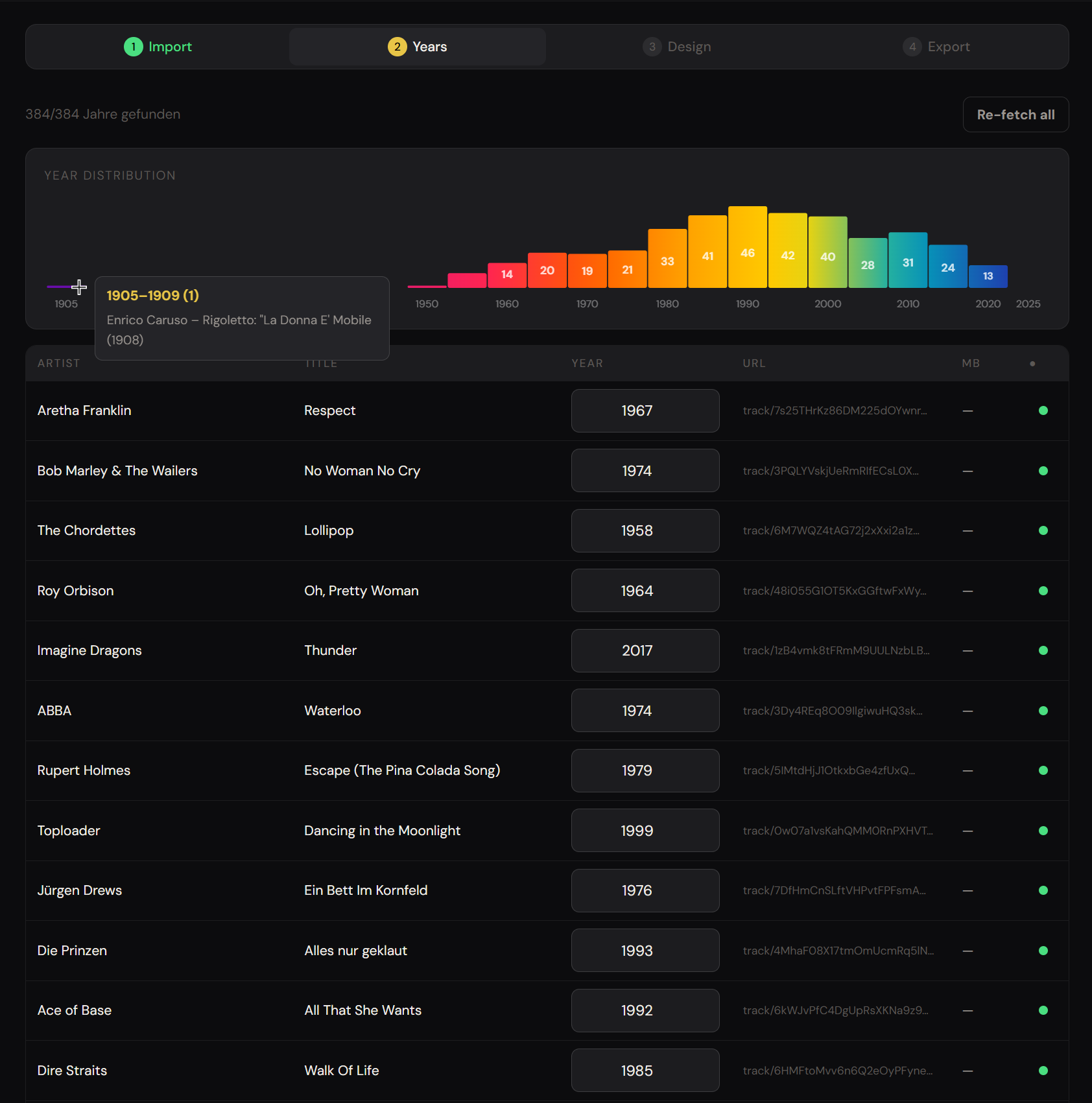
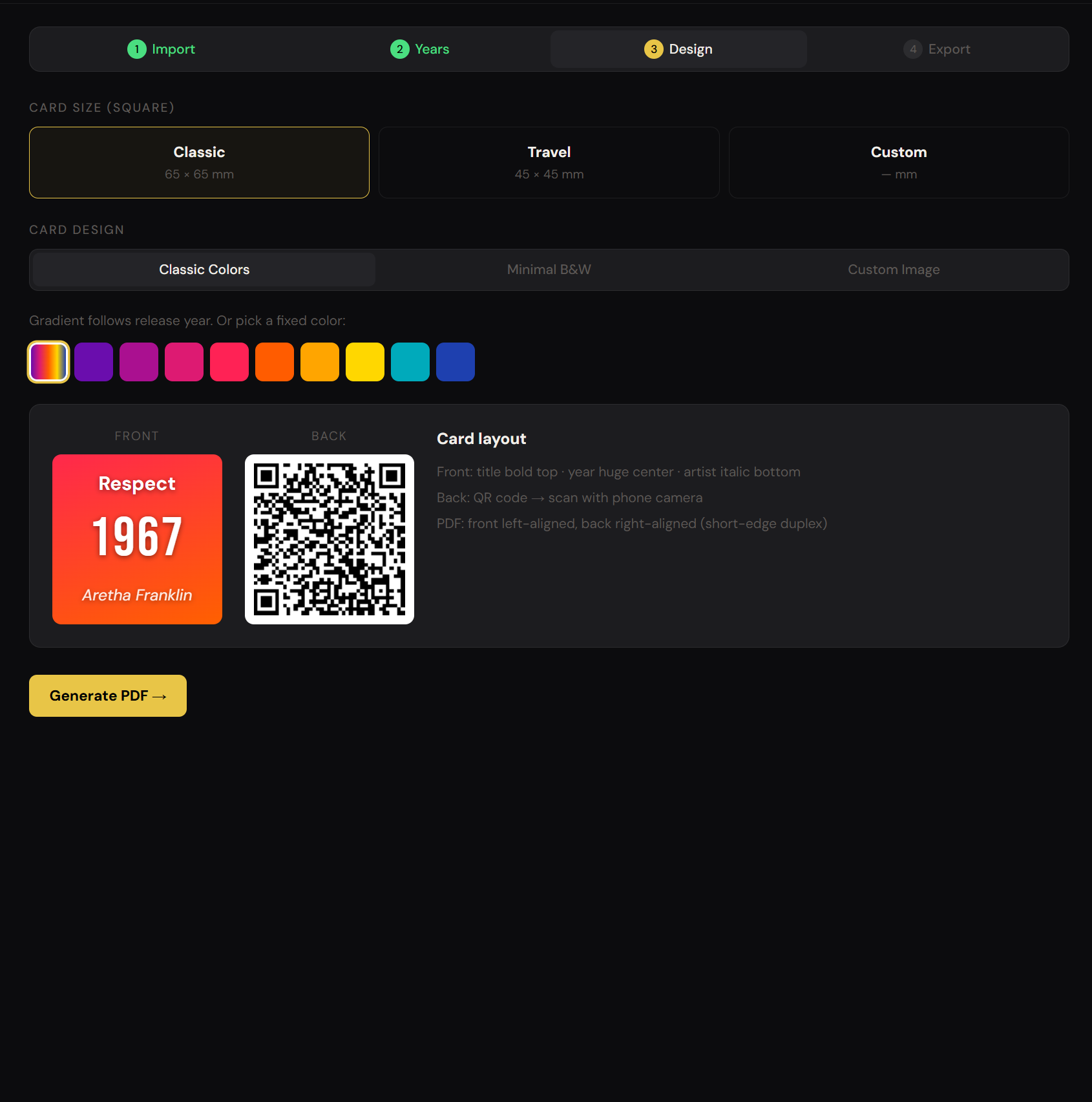
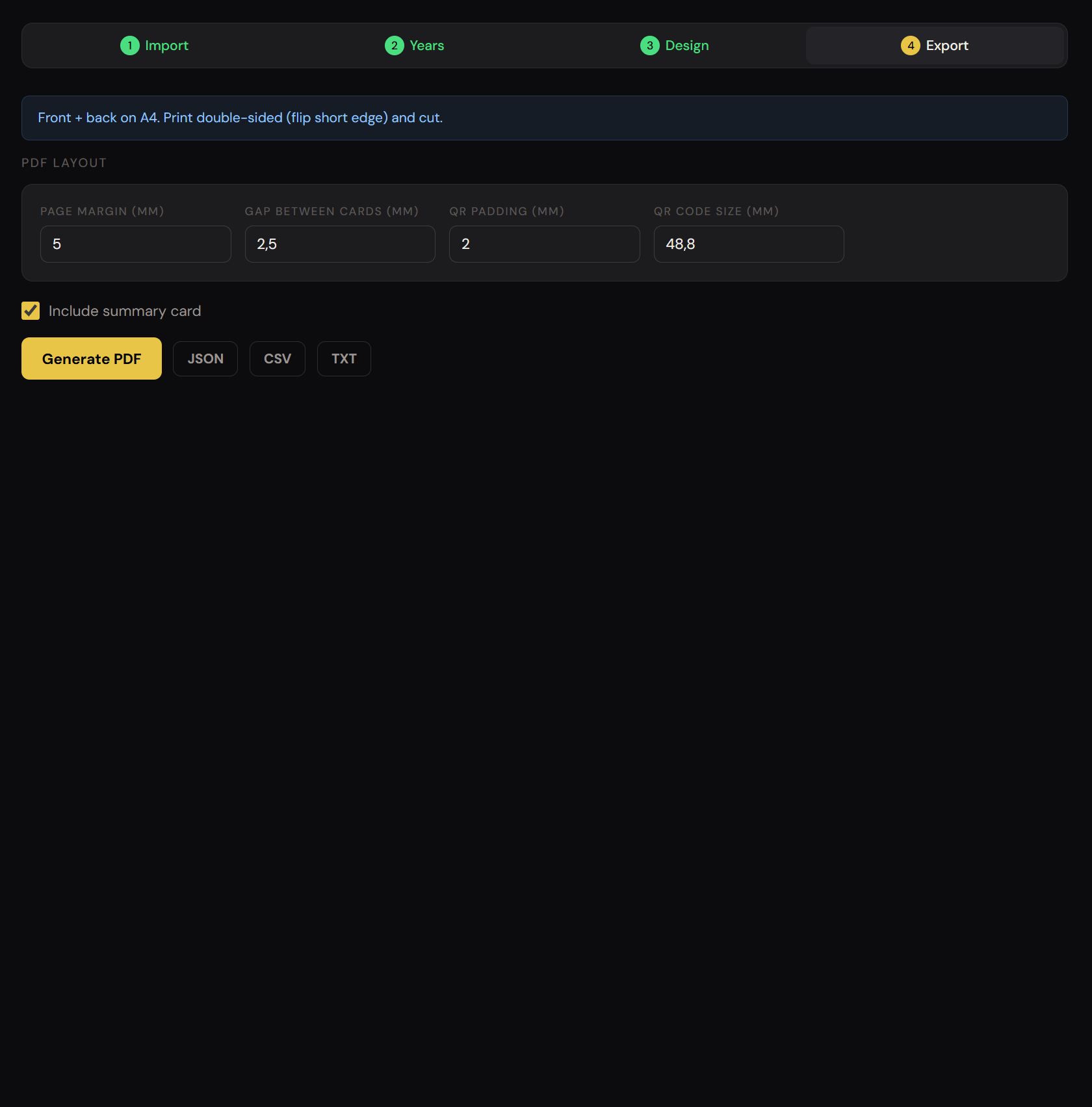
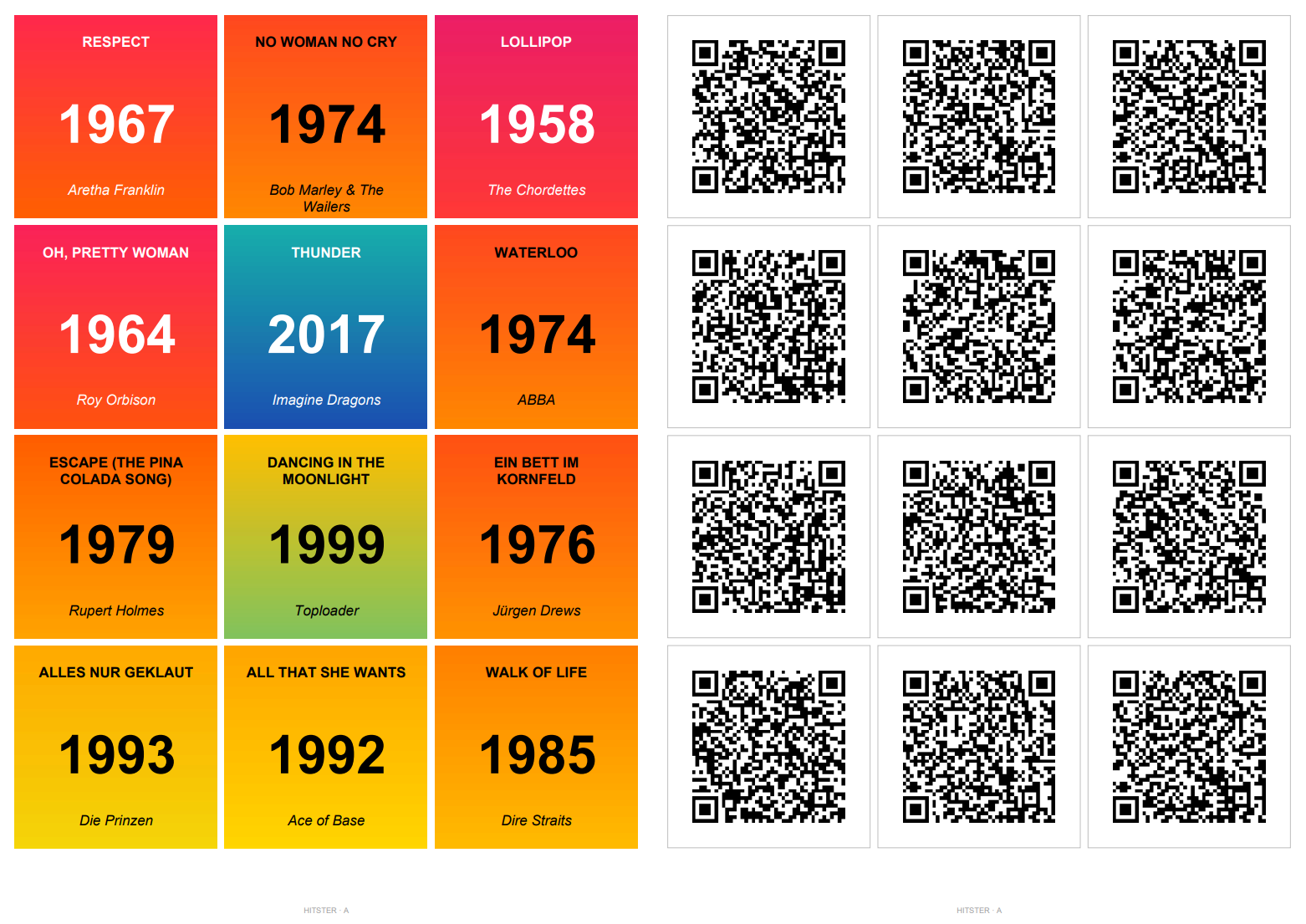
Preparing your Songs
The most convenient way to create your set would be by just using your Spotify playlist’s url to let the tool create your cards.
Unfortunately Spotify does not provide the API functionalities required to get the tracks from a playlist for normal people (like me).
The Spotify workaround
You can paste in all the track’s urls, type in your track manually via Artist|Title|Year or use a 3rd Party tool like bopster.
There you can paste in your playlist’s url from Spotify, YouTube and more - edit the set using their tools (remove things like “ - Remaster’, “ - Live”, etc. from the titles).
You can get the correct release year of each song (not the release year of the remaster etc.) through their “YEARIFY” tool and export the set to TXT to export the cards without a watermark using this tool.
Using an AI Agent to fix release years and titles
Before generating the PDF you can provide your .txt to an AI Agent and let it check the list if all years are correct and the titles are clean.
You can use the following prompt with your
.txtprovided as context by file or copy/paste:
check the whole list's tracks: their release year and titles, correct the wrong years, remove clutter like "- remaster" etc. from the title and provide the whole file/output formatted as code, one line per track, formatted as: <Artist|Title|Year|URL> .
Using Agents like Gemini which can search the web tends to provide the best results. This way you can get a quality data set from your tracks fast.
Ready to use Sets
Many HITSTER games already have their songs provided in Spotify playlists, either created by users or by the official HITSTER Spotify Account.
You can start off with those, use your own playlist or use my already finished data sets also provided on the tool’s frontpage on the bottom.
How to play
You don’t need an extra app like HITSTER does, just scan the QR-code with your phone’s camera and let the Spotify App play the song - just don’t look at the song! ;)
Published: April 24, 2026 -> View on GitHub